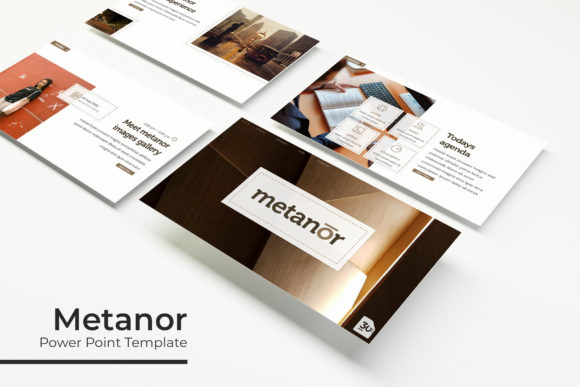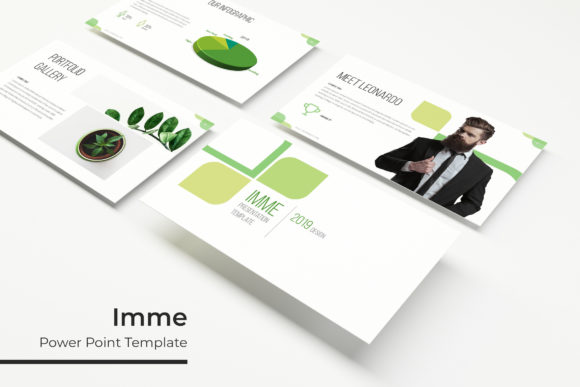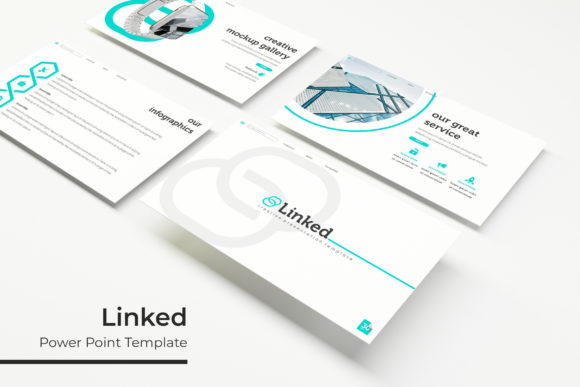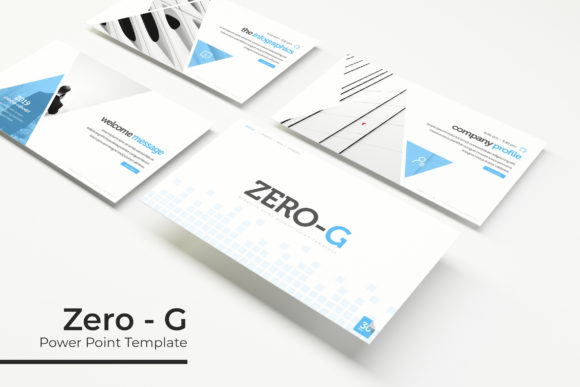
Lapse Power Point Template: A Complete Design Toolkit
Creating a presentation that truly captivates an audience often hinges on more than just your content; it’s about the visual story you tell. The Lapse Power Point Template is a comprehensive design asset built to transform your slides from ordinary to extraordinary, providing a polished, professional framework for any narrative you need to share.
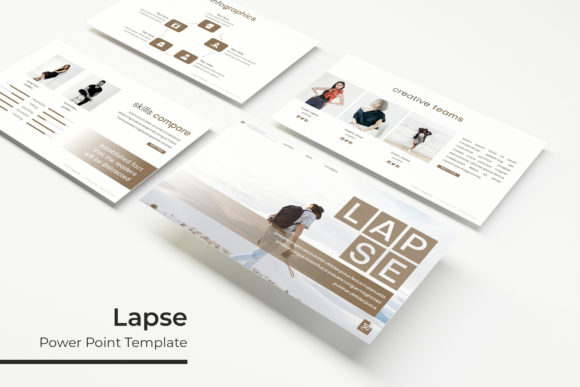
This isn't a single, static file. The package includes 150+ total slides, meticulously organized across 5 premade color variations. Each of the five included PPTX files offers 30 distinct slides, giving you immense creative flexibility. Whether you're pitching to clients, presenting quarterly results, or showcasing a portfolio, this template adapts to your needs with a consistent, modern aesthetic.
Key Features for Dynamic Presentations
The true power of the Lapse template lies in its thoughtful, user-centric features designed for efficiency and impact.
- Handcrafted Infographics & Section Breaks: Data becomes digestible and engaging with custom-designed infographic slides. Section break slides provide clean visual pauses, helping to structure your presentation logically and maintain audience focus.
- Gallery and Portfolio Slides: Showcase your work beautifully. Dedicated slide layouts are optimized for displaying images, case studies, or project highlights with professional spacing and alignment.
- Pixel-Perfect Illustrations & Editable Graphics: Every visual element is crafted for clarity. All graphics are fully resizable and editable, allowing you to customize colors, shapes, and sizes to match your brand identity without losing quality.
- Drag & Drop Simplicity: The template is built on master slides, making customization intuitive. Picture placeholders allow you to simply drag and drop your own images into designated areas, saving significant time.
Practical Applications for Creators and Professionals
Consider how a versatile premium font or a robust template system elevates a project. The Lapse template serves a similar function for presentations. It’s ideal for:
- Business and Marketing: Create consistent brand presentations, sales decks, and marketing reports that reinforce your professional image.
- Creative Portfolios: Designers, photographers, and artists can use the gallery slides to present their work in a clean, focused environment that lets the art speak for itself.
- Educational and Training Materials: The clear structure and infographics are perfect for explaining complex processes, timelines, or data to students or trainees.
- Startup Pitches and Investor Decks: First impressions matter. A visually cohesive and well-organized presentation built with Lapse can help convey credibility and vision.
Tips for Maximizing Your Template
To get the most out of this asset, start by selecting the color variation that best aligns with your brand or the mood of your topic. The five premade options offer a quick start, but remember all elements are editable. Use the master slides to make global changes to fonts or colors efficiently. When pairing with your own content, maintain the template’s clean aesthetic by avoiding clutter and using the provided layouts as intended. Always check that the included fonts (with free download links provided) are installed on your presentation computer to ensure everything renders correctly.
Choosing a well-designed template like Lapse is about investing in clarity and professionalism. It handles the heavy lifting of visual design, allowing you to focus on crafting a compelling message. The result is a presentation that not only looks polished but also communicates more effectively, helping your ideas resonate with any audience.